
Not every visitor wants to deal with a QR code and an eSIM profile the moment they land. Some phones can't do eSIM at all, some people would rather hold a physical card they can see and remove, and some just want a backup that works even if an app account or activation step goes wrong. For all of those cases, Japan still sells plain prepaid SIM cards — at the airport, at electronics stores, and from vending machines you can use at 2am. Here's where to actually find one, what it costs, and the one rule about ID that's quietly changing.
Where you can buy one
You don't need to pre-order anything. The most common pickup points are:
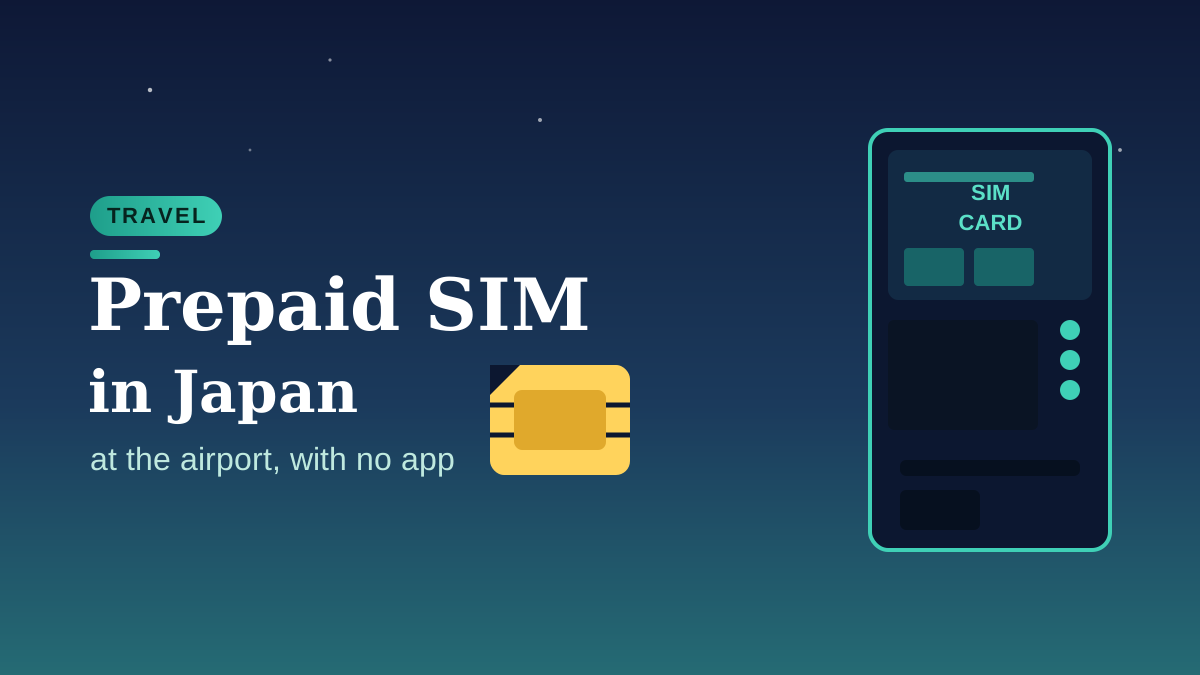
- Airport counters and vending machines. Narita has SIM card vending machines in all three terminals (Terminal 1's Central Building, North Wing and South Wing; Terminal 2's main building has several; Terminal 3 has one), plus staffed counters from providers like JAL ABC and AnyFone Japan, generally open from early morning to around 9pm. Haneda and Kansai airports have the same mix of counters and machines in their arrivals areas.
- Electronics and department stores. Bic Camera, Yodobashi Camera and Don Quijote branches in Tokyo and Osaka sell prepaid SIMs (b-mobile's is the one you'll see most often) right next to the phone accessories.
- Online pre-order with delivery. Several providers will post a SIM to your hotel, a convenience store, or even a post office counter at the airport before you land, for a small handling fee (often somewhere around ¥370–520 on top of the SIM price).
Nothing here requires a Japanese bank account, a local address, or a smartphone app — which is the main reason some travelers still prefer it over an eSIM.
Data-only vs. voice SIM — and the passport question
Almost everything sold to tourists at the airport is a data-only SIM: no phone number, just a data connection for maps, messaging apps and translation. As of October 2026, buying a data-only SIM in Japan generally does not require ID. A SIM with an actual Japanese phone number (a "voice SIM") is a different product — Japan's Mobile Phone Fraud Prevention Act has long required providers to check a passport (or residence card) before activating one, because a working Japanese number can be used for financial fraud.
That line is moving. In May 2026 Japan's parliament passed an amendment that extends the same ID-check requirement to data-only SIMs and eSIMs, as part of a wider crackdown on SNS investment scams and romance fraud that have exploited anonymous data lines. The amendment was promulgated on 29 May 2026, and by law it has to take effect within one year of that date — so sometime between now and 29 May 2027, depending on the cabinet order that sets the exact date. It had not taken effect as of this writing. Bring your passport to the counter anyway: some providers already ask out of caution, and you'll need it regardless if you want a number-equipped SIM.
Will it actually fit and work in your phone?
Two separate questions, and both matter more than people expect.
Size: almost all tourist SIMs sold in Japan now come as a "3-in-1" punch-out card — standard, micro and nano sizes in one piece of plastic, so you push out whichever size your tray needs. You don't need to know your phone's SIM size in advance.
Compatibility: this is the part that trips people up. Your phone needs to be carrier-unlocked, and it needs to support the Japanese network bands the SIM runs on (most tourist SIMs ride on docomo's or SoftBank's network). A phone bought outright or already used with multiple carriers is almost always fine. A phone still tied to a single home carrier under contract sometimes isn't — the same unlock check we walk through for eSIMs in our eSIM phone compatibility guide applies here too, since it's a carrier-lock question, not an eSIM-specific one.
If someone in your group has an older or locked phone that can't take an eSIM at all, a physical SIM is usually the easiest fallback — we've had a visiting relative in exactly that spot, phone too old for an eSIM profile, and picking up a physical SIM at the airport counter on arrival was less hassle than troubleshooting the phone the night before the flight.
What it actually costs
Prices below are what we found listed by each provider as of October 2026; always check the current price before you buy, since plans get refreshed often.
| Provider | Plan | Price | Where |
|---|---|---|---|
| b-mobile Visitor SIM | 5GB / 10 days, data only | ¥1,980 (approx. $13) | Bic Camera, Yodobashi, online delivery |
| b-mobile Visitor SIM | 7GB / 21 days, data only | ¥2,970 (approx. $19) | Bic Camera, Yodobashi, online delivery |
| Sakura Mobile Travel SIM | Data only, short-stay plan | from ¥3,500 (approx. $23) + tax | Online delivery, airport pickup |
| JAL ABC | Unlimited data, 7 days | around ¥4,500 (approx. $29) | Narita, Haneda counters |
| Airport counter / vending machine (general range) | 7–15 days, data only | roughly ¥3,000–6,000 (approx. $19–39) | Narita, Haneda, Kansai |
USD figures above use a rough ¥155/$1 rate as of October 2026 and are for comparison only — your card will convert at whatever rate applies on the day.
Physical SIM or eSIM — which should you actually get?
If your phone is eSIM-capable and unlocked, an eSIM is usually simpler: no counter line, no tiny piece of plastic to lose, and you can install the profile before you even board. We cover that whole comparison, including how much data to buy for your trip length, in our Japan eSIM guide and our guide to sizing your data plan. A physical SIM makes more sense when: your phone genuinely can't do eSIM, you want a backup that doesn't depend on an app account or a working internet connection to activate, you're handing a spare phone to a kid or a visiting parent, or you just don't want to deal with a QR code after a long flight. Neither option is "better" across the board — it's really a question of which friction you'd rather deal with.
Setting it up once you have it
Most tourist SIMs in Japan are plug-and-play on iPhone and recent Android phones — pop it in, and a data connection shows up within a minute or two. If it doesn't:
- Check the APN (Access Point Name) settings match what's printed on the SIM's packaging or instruction card — this is the step people skip, and it's almost always the fix on Android.
- Restart the phone once after inserting the SIM, especially if you had another SIM or an eSIM profile active before.
- Keep the SIM tray tool or a paperclip handy if you're swapping between your home SIM and the Japan one during the trip.
FAQ
Do I need a passport to buy a prepaid SIM at a Japanese airport?
Not for a data-only SIM, as of October 2026 — most counters and vending machines sell them with no ID check. You will need a passport for a SIM that comes with an actual Japanese phone number. Bring it anyway in case the provider asks, since a law change extending ID checks to data-only SIMs has been passed and is due to take effect sometime before May 2027.
Can I buy a SIM card before I arrive in Japan?
You can pre-order online and have it delivered to your hotel, a convenience store, or a post office counter at the airport, usually for a small delivery fee on top of the SIM price. You generally can't have a physical SIM mailed to your home country before the trip and expect it to activate correctly — the counter or vending machine purchase on arrival is simpler for most people.
What happens to data-only SIM purchases if the new ID law takes effect during my trip?
The amendment allows up to a year from its 29 May 2026 promulgation date before it must take effect, and the exact date is set separately by cabinet order. If it comes into force, expect airport counters to start asking for a passport the same way they already do for voice SIMs — carrying your passport when you buy one costs you nothing either way.
Before you go
If you're only deciding between a physical SIM and an eSIM right now, check your phone's eSIM compatibility first — it takes thirty seconds and settles most of this for you. If it turns out eSIM isn't an option, or you'd simply rather hold a card, any of the counters at Narita, Haneda or Kansai will have you connected within a few minutes of landing.