
Source: Tokyo Disney Resort official site
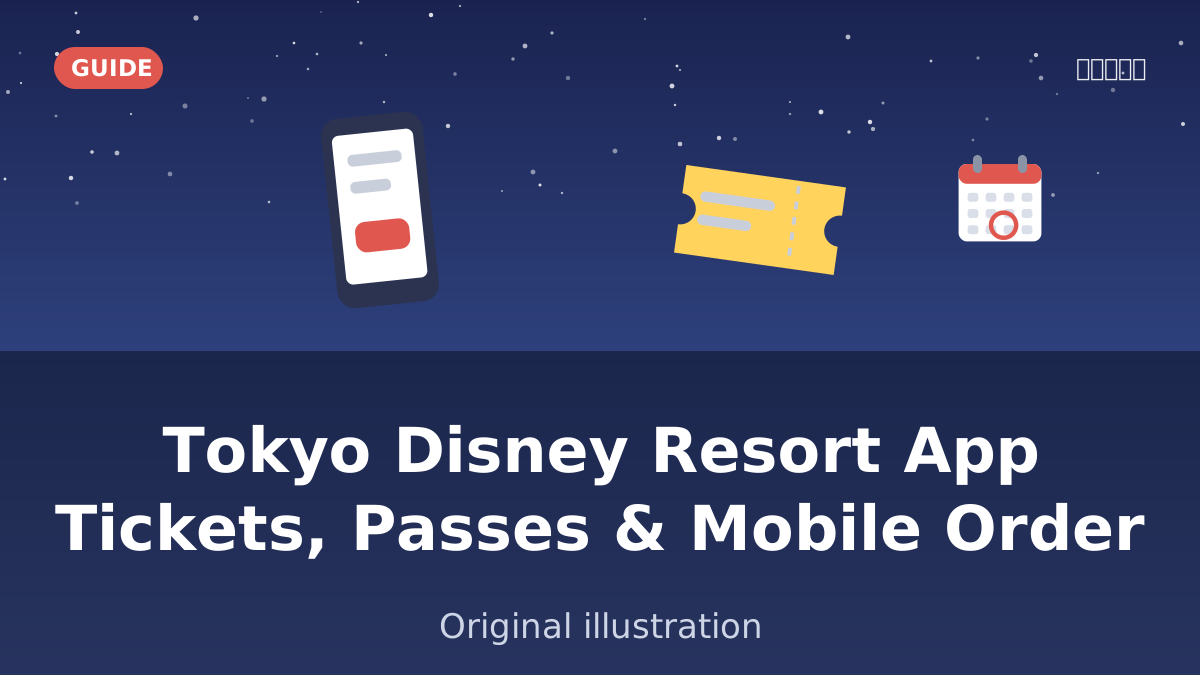
The first time we handed a visiting friend our spare phone at the gate of Tokyo DisneySea, their first question was "so where's the paper map?" There isn't one, not really. Almost everything that used to be a paper FASTPASS ticket or a printed restaurant reservation now lives inside one app, and if you don't open it before you leave your hotel, you lose time you can't get back. This guide walks through what the Tokyo Disney Resort App actually does, in the order you'll use it: before you arrive, the moment you walk in, and through the day.

I thought the app was just for checking wait times?

That's what everyone assumes, and it's the reason so many first-timers miss out on the free passes. Tickets, lunch, the queue-skipping passes — it's all in there.
Three things to set up before you leave your hotel
Do these the night before, not in the taxi line at the gate — the app is slow to register a new account over patchy station wifi.
- Download the Tokyo Disney Resort App and register a MyDisney account. You need this account to buy tickets and to use any of the app's in-park services.
- Use a phone, not a tablet. The app's park services (Standby Pass, Entry Request, Disney Premier Access, Mobile Order) are built for smartphones; tablets aren't supported for these features.
- Turn on location permissions. Several features check that you're physically inside the park before they'll activate.
Before you go: buying tickets and booking a table
Tokyo Disney Resort uses variable, date-specific pricing — a 1-Day Passport can run from around ¥7,900 up to ¥12,400 (about $50–$78 as of October 2026) depending on the date, so the app's price calendar is worth checking before you commit to a day. We cover the full buying process, resale risks and the QR-code entry system in our guide to buying Tokyo Disneyland tickets from abroad — this article focuses on what you do once a ticket is in your account.
The other pre-trip job is dinner. Tokyo Disney Resort's restaurants run on a system called Priority Seating: it's not a true reservation, it just means you're seated with a short wait once you arrive. For park restaurants, online booking opens exactly one month before your visit date, at 10:00 a.m. Japan time, through the app or website — and popular places fill up within minutes of that window opening. If you didn't book ahead, same-day slots open online at 9:00 a.m. and at the restaurant counter from 10:00 a.m., so it's worth checking the app again first thing in the morning even if you struck out a month earlier.
Group everyone together first
Before you start tapping for passes, add your whole party to a group in the app. Once you're grouped, one person — usually whoever has the fastest thumbs — can get Standby Pass, Entry Request or Disney Premier Access for everyone at once, instead of five people all racing the same countdown on five different phones. It also means if someone's battery dies mid-afternoon, they're not locked out of the plans the rest of the group already made.
Inside the park: the four things the app controls
Once you've tapped in at the gate, the app switches into park mode. Four services matter most, and they are easy to confuse with each other because they all involve "getting into something faster."
| Service | Cost | What it actually does |
|---|---|---|
| Standby Pass | Free | Reserves your spot in the regular queue for a set return time, so you're not physically standing in line the whole time |
| Entry Request | Free | A lottery-style request for a parade, show or similar experience; you can try once per day per venue |
| Disney Premier Access (DPA) | Paid, per attraction | A timed, paid skip to the front of the queue for select rides, bought inside the app after you've entered the park |
| Disney Mobile Order | Free to use (pay for food) | Order and pay for food from your phone, then collect at a counter — no ordering line |
Standby Pass and Entry Request are both free, which trips people up — they assume anything that saves time must cost money. The difference between them is simple once you see it: Standby Pass holds your place in the same queue everyone else is in, just not in person; Entry Request is closer to a raffle ticket for something with limited capacity, like a parade viewing area. Neither guarantees you a spot. DPA is the only one of the four that costs money, and because pricing and which attractions are eligible change over time, we keep that detail in our Tokyo DisneySea first-timer's guide rather than repeating a number here that might be out of date by the time you read this.

Our rule of thumb: open the app the second you're through the gate and grab a Standby Pass for whatever you want most before doing anything else. Those fill up fast on a busy day.
How Disney Mobile Order actually works
This is the one most visitors skip entirely, and it's the one we'd tell a friend not to skip. At lunchtime, the counter-service lines can run 30–40 minutes; mobile order removes that line completely.
- Open "Disney Mobile Order" from the app's "My Plan" menu and pick a restaurant.
- Choose an arrival time slot, build your order, and pay by credit card, debit card or prepaid card.
- Show up at your chosen time and tap "I have arrived" in the app.
- Watch the app for your counter number, then collect your food.
The part people get wrong is treating it like delivery — ordering now and walking straight over. You're booking a pickup window, and the popular time slots near noon disappear first. If you know you'll want lunch at a specific restaurant, open the app and check its slots mid-morning rather than waiting until you're hungry.
Frequently asked questions
Do I need the app to visit Tokyo Disney Resort at all?
You can enter the park without it if you have a valid ticket, but you'll miss out on Standby Pass, Entry Request, Disney Premier Access and Mobile Order — all of which only work through the app. For a first visit, it's worth setting up the night before rather than figuring it out at the gate.
Can I use the app on a tablet instead of a phone?
No. MyDisney accounts and basic browsing work on any device, but the in-park services — Standby Pass, Entry Request, DPA and Mobile Order — are limited to smartphones.
What happens if my phone battery dies mid-day?
Grouping your party in the app before you start is the best protection — anyone else in the group can still manage passes and orders for the whole party. A portable charger is still worth packing; we cover that and the rest of what to bring in our Tokyo Disneyland packing list.
Open it before you leave the hotel
The app is the resort now — tickets, the queue, dinner, lunch, all of it. The single best habit is opening it the night before to register your account and group your party, so that on the actual day you're not setting any of this up for the first time while standing at the gate.